Desi Grounds is an innovative internet-based product that brings you live local TV from India and Indian TV shows on-demand directly to your television or your computer screen anywhere in the world over the internet.
How do I install it?
Our app is installed by sideloading with the Downloader app. It takes about two minutes, and you only do it once. Full step-by-step instructions are on our install page.
🔌 Streaming Players
Plug one into your TV’s HDMI port. This is what most of our customers use
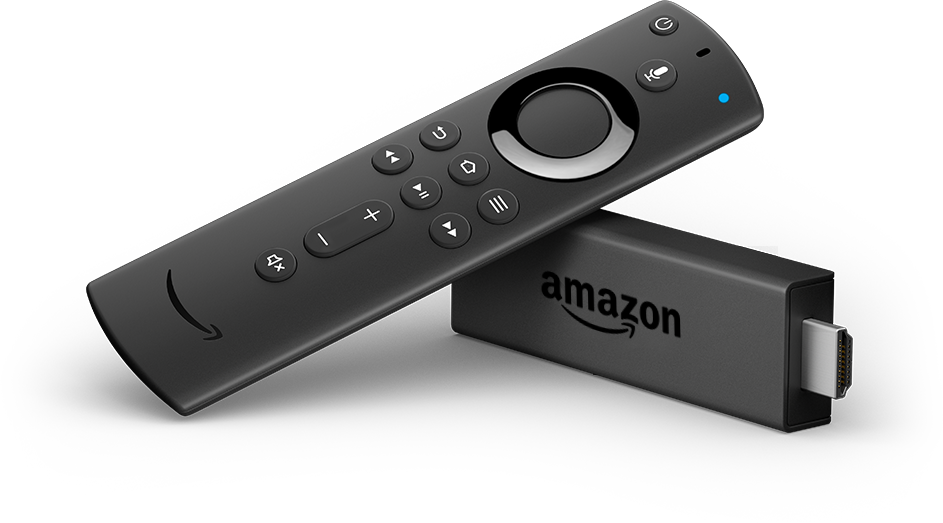
Amazon Fire TV
The easiest way to watch DesiGrounds on your television. Our first recommendation.
- Fire TV Stick 4K Max & older 4K
- Fire TV Cube
- Quick 2-minute setup
Not supported: Amazon’s newest Fire TV Sticks (the newest Fire TV Stick 4K, the Fire TV Stick 4K Select and the 2026 Fire TV Stick HD) only allow apps from the Amazon Appstore, so our app cannot be installed on them. Older Fire TV Sticks, the Fire TV Stick 4K Max and the Fire TV Cube work fine. Before you buy, check the Amazon product page: if it says the device "prevents sideloading", it will not work.
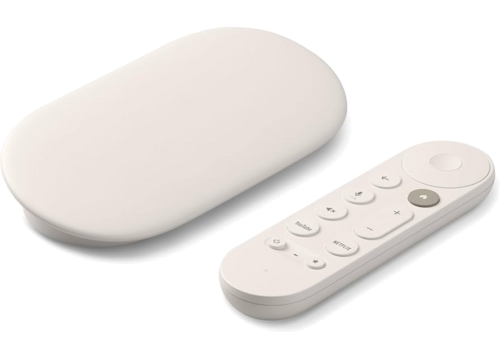
Google TV Streamer 4K
Google’s current streaming box. 4K HDR with 32 GB of storage.
- Google TV Streamer (4K)
- Google TV, 4K HDR
- Confirmed working
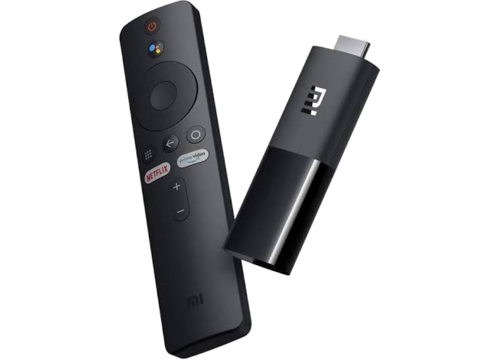
Xiaomi TV Stick 4K
A compact stick that hides behind the television. Google TV built in, and inexpensive.
- Xiaomi TV Stick 4K (2nd Gen)
- Google TV, 4K HDR
- Plugs into any HDMI port
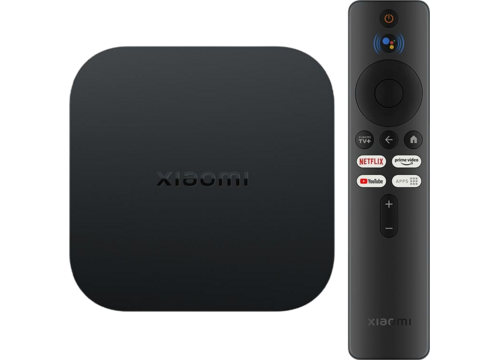
Xiaomi TV Box
The set-top version, for a shelf under the television. Same Google TV system as the stick.
- Xiaomi TV Box S (2nd Gen)
- Google TV, 4K HDR
- Also works: older Mi Box S
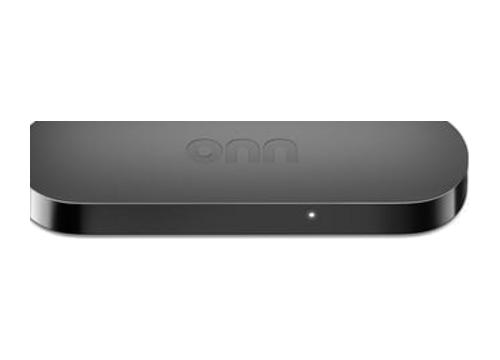
onn. 4K Streaming Device
Walmart’s own Google TV player. Usually the least expensive device that runs our app properly.
- onn. 4K Streaming Box & 4K Pro
- Google TV, 4K HDR
- Best value for money
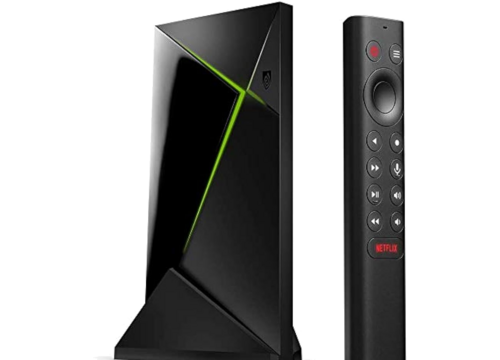
Nvidia Shield TV
The premium Android TV player. Fast, and it upscales lower-quality channels nicely.
- Shield TV & Shield TV Pro
- Android TV, 4K HDR
- Any other Android TV box also works
📺 Smart TVs
If your TV already runs Android TV or Google TV, you do not need any extra device
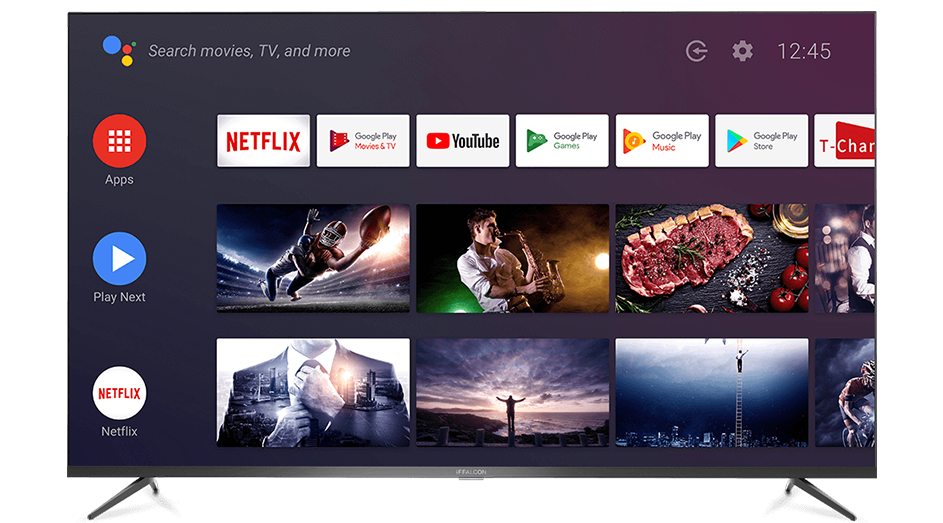
Android TV & Google TV Sets
Install our app straight onto the television. Nothing else to buy or plug in.
- Sony BRAVIA
- TCL, Google TV models
- Hisense, Google TV models
- Philips, Sharp & other Android TVs
Important: this means the Android TV / Google TV versions of these sets. Hisense VIDAA TVs cannot install apps, and Roku TVs are not supported at all Check which system your TV runs before you buy.
Samsung & Other Smart TVs
These televisions do not run Android, so our app cannot be installed on them. Samsung sets work through the TV’s own web browser. Open our website on the TV and sign in.
- Samsung (Tizen), works in the TV browser
- LG (webOS), ask us first. Not confirmed
- No app install on either
If your TV cannot install apps, the simplest fix is one of the streaming players above. They plug into any HDMI port and work on every TV.
📦 Set-Top Boxes
Infomir MAG boxes. Check whether yours runs Android or Linux, because they are set up differently
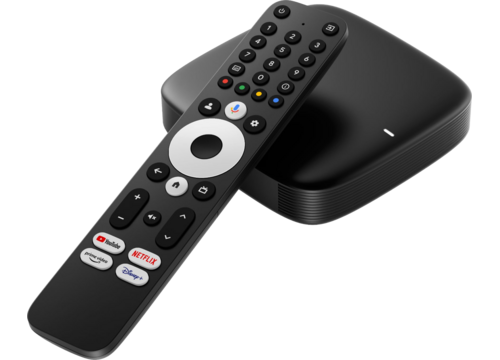
MAG Box (Android)
Android-powered MAG boxes run our app, exactly like a Fire TV Stick or Android TV.
- All Android MAG models
- MAG 555, 500A, 425A, 424Aw3
- 4K & HEVC support
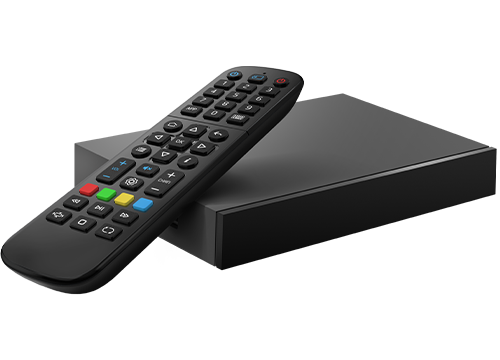
MAG Box (Linux)
Every Linux-based MAG box works with DesiGrounds. Nothing to install. The box connects straight to our service.
- All Linux MAG models
- MAG 254, 322, 420, 424, 540, 544
- No app or sideloading needed
Setup is handled by our team. Message us with your box model and we’ll get you connected. Not sure if yours is Android or Linux? Send us the model number.
Contact us to set up💻 Other Ways to Watch
Already have a Chromecast, computer or phone? You can watch without buying anything

Chromecast with Google TV
Chromecast with Google TV runs our app directly. It is a streaming player, not just a cast target.
- Chromecast with Google TV (4K)
- Chromecast HD
- Runs our app, verified
Older cast-only Chromecast dongles (1st, 2nd, 3rd generation and Chromecast Ultra) cannot install apps and are not supported. Only Chromecast with Google TV.
Any Computer or Phone
No app needed at all. Sign in on our website from any modern browser and start watching.
- Windows, Mac & Linux
- iPhone, iPad & Android
- Smart TV browsers